


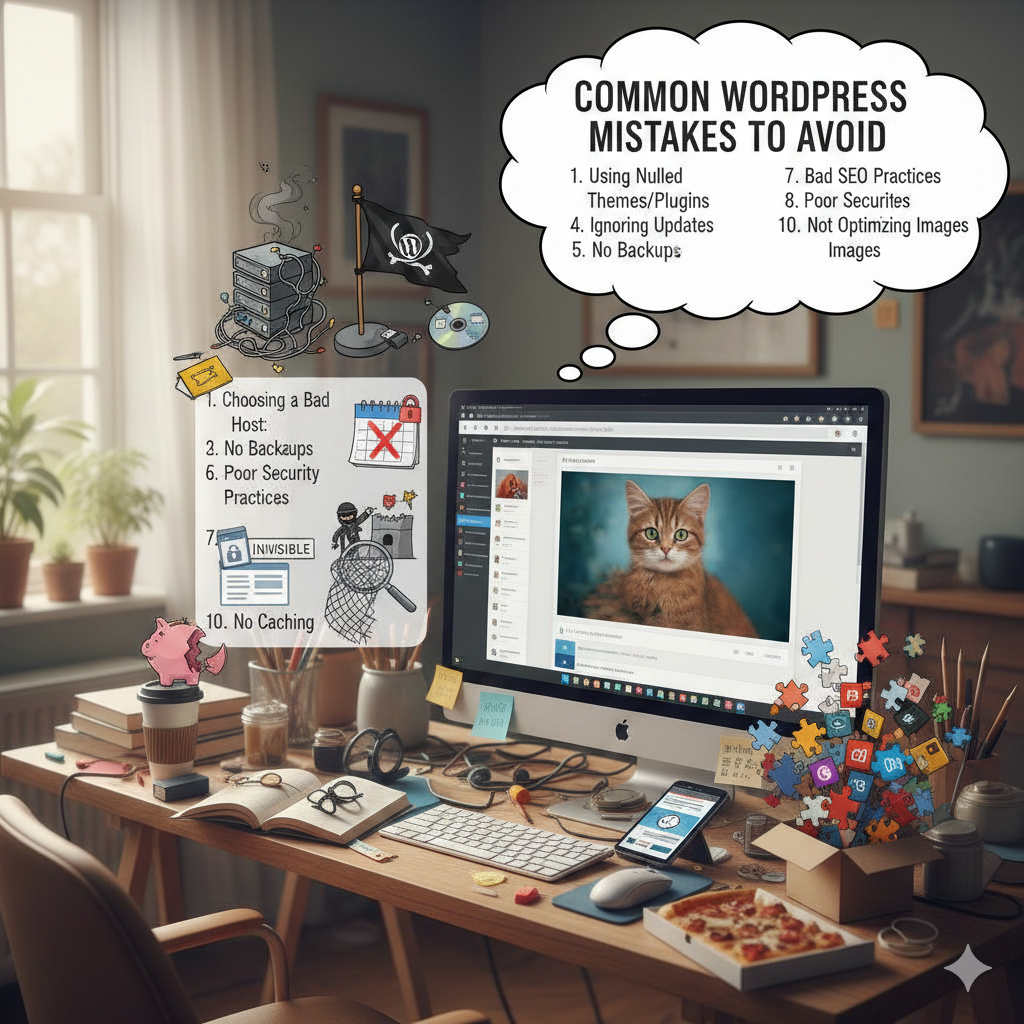
מאיזה טעויות נפוצות כדאי להימנע בעת בניית אתר וורדפרס?
Building a WordPress site is accessible to everyone, but building one that is scalable, fast, and secure requires foresight. Many developers—beginners and experts alike—fall into traps that only become visible once the site grows. Here are the most common mistakes to avoid, with a special focus on technical scalability and database management.
1. Neglecting Database Hygiene and “Invisible” Bloat
One of the most critical yet overlooked mistakes is failing to plan for how data accumulates over time.
-
The Mistake: allowing plugins or features (like coupons or logs) to add thousands of entries daily without any cleanup mechanism.
-
The Consequence: Your database tables, specifically
wp_postmeta, can grow exponentially—sometimes reaching tens of millions of records (e.g., 36 million+). This leads to severe performance degradation and an extremely slow back-office. -
The Fix:
-
Automate Cleanup: Don’t let data sit forever. Implement scheduled tasks to delete expired items (like old coupons) and their associated metadata after a set retention period.
-
Remove “Orphans”: When you delete a post or order, its metadata isn’t always removed. Regularly check for and delete “orphaned” postmeta (data associated with IDs that no longer exist).
-
2. Relying on Default Architecture for High-Volume Data
WordPress’s default structure (wp_posts and wp_postmeta) is flexible, but it isn’t always efficient for high-volume data.
-
The Mistake: Storing everything as a “Custom Post Type.” For example, storing thousands of coupons or transaction logs in the default tables generates massive amounts of metadata (often 10–20+ entries per item).
-
The Consequence: This creates a “bottleneck” where simple queries have to scan through gigabytes of data, slowing down report generation and filtering.
-
The Fix:
-
Use Custom Tables: For high-volume data, build dedicated custom tables optimized for that specific use case instead of relying on the default schema.
-
Adopt HPOS: If you run an e-commerce store, migrate to WooCommerce’s High-Performance Order Storage (HPOS), which utilizes custom tables for orders to improve scalability.
-
3. Ignoring Database Indexing
As your site grows, the speed at which the database can find information becomes critical.
-
The Mistake: Running a site without adding proper indexes to your database tables, especially for
meta_valuelookups. -
The Consequence: Without indexes, the database must scan every single row to find a match, which causes significant delays when filtering or searching.
-
The Fix: Add appropriate indexes to your tables. For example, adding an index to
meta_valuecan provide an immediate performance improvement of 20–40% for specific queries.
4. Failing to Archive Historical Data
Many site owners keep every piece of data “just in case,” clogging up the live system.
-
The Mistake: Keeping data that is no longer needed for daily operations (like coupons expired 12 months ago) in the main production tables.
-
The Fix: Move old data to a separate archive table. Most live queries only need to access active data; archiving historical data can reduce your table size by up to 80% with minimal risk.
5. Overlooking Security Basics (General Best Practices)
While database health is vital, don’t forget these general security pitfalls:
-
Using “Admin” as a Username: This makes it easier for attackers to guess your credentials. Always create a unique username.
-
Ignoring Updates: Failing to update plugins and themes is the #1 cause of hacked sites.
-
Weak Passwords: Always enforce strong passwords and use Two-Factor Authentication (2FA).


כתיבת תגובה