


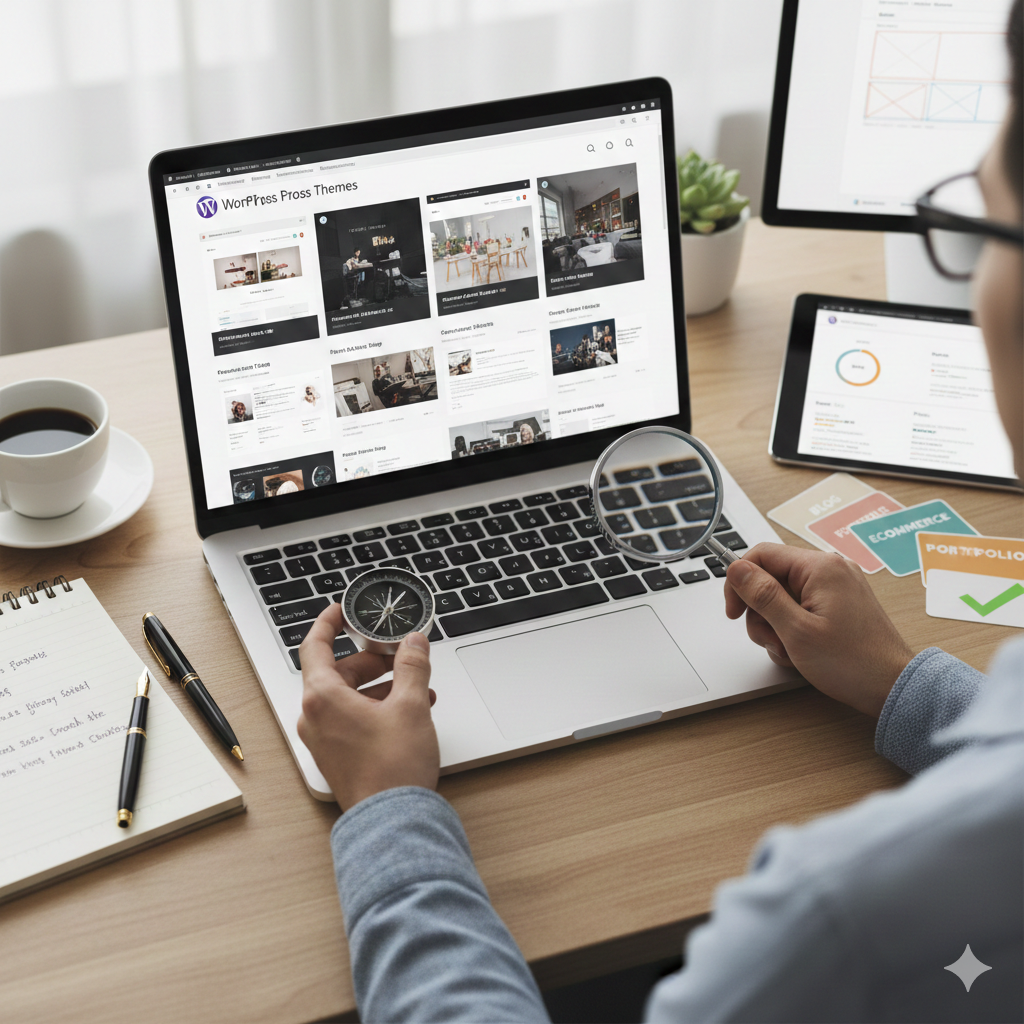
איך לבחור את ערכת הנושא הנכונה לאתר הוורדפרס שלי?
The WordPress theme is the foundation of your site’s design and functionality. Choosing the wrong theme can lead to slow loading times, security vulnerabilities, and major headaches down the road. Selecting the right theme requires balancing aesthetics, performance, and long-term viability.
1. Prioritize Performance and Speed
Speed is critical for SEO and user experience. A heavy, bloated theme can negate all other optimization efforts.
-
Look for Lightweight Themes: Themes like GeneratePress, Kadence, or Astra are known for their minimal code footprint and high speed. They provide a clean slate that you can customize.
-
Check Performance Metrics: Before committing, use the theme’s demo site and test its speed on tools like Google PageSpeed Insights or GTmetrix. Aim for a fast loading time (under 2 seconds).
-
Avoid “All-in-One” Themes: While feature-rich themes (like Avada or The7) offer many functions, they often include unnecessary code and bloated assets that slow down your site, making them harder to manage in the long run.
2. Design and Responsiveness
The theme must look professional and function flawlessly on every device.
-
Mobile-First Design: Ensure the theme is completely responsive and adapts perfectly to tablets and smartphones. Since Google uses mobile-first indexing, a poor mobile experience will hurt your rankings.
-
Aesthetic Alignment: Choose a design that aligns with your brand identity and the type of content you plan to publish (e.g., a minimal blog theme for written content vs. a dynamic portfolio theme for visual artists).
-
Accessibility Standards: Look for themes that adhere to modern web accessibility standards (WCAG). This ensures your site is usable by everyone, which is also a positive signal to search engines.
3. Features and Functionality
Focus on the features you need, not every feature a theme offers.
-
Gutenberg Compatibility: The theme must be built to fully support the native WordPress Block Editor. This future-proofs your content editing process and prevents reliance on external, proprietary page builders.
-
Integration with Key Plugins: If you need specific functionality (like e-commerce, memberships, or multilingual support), confirm the theme is explicitly compatible with the necessary plugins (e.g., WooCommerce, BuddyPress, WPML).
-
Customization Options: The theme should offer enough options (fonts, colors, layout settings) via the WordPress Customizer to match your brand without requiring extensive custom coding.
-
Child Theme Support: If you plan on making any customizations to the theme’s code, ensure it supports the use of a Child Theme. This guarantees your changes won’t be erased when the parent theme updates.
4. Developer Support and Reputation
The quality of the theme developer is just as important as the theme itself.
-
עדכונים סדירים: Check the theme’s changelog to ensure it receives frequent updates (at least every few months). Regular updates indicate the developer is fixing bugs and patching security vulnerabilities.
-
Strong Support Channel: Verify the developer offers reliable customer support (forums, tickets, or documentation). This is vital for solving conflicts or bugs quickly.
-
Reputation Check: Look at user reviews on the WordPress.org repository or independent developer forums. Pay attention to feedback regarding speed, customer service, and compatibility issues.
-
Code Review (for advanced users): If possible, look into the theme’s code structure. Well-coded themes use standards-compliant, clean PHP, CSS, and JavaScript.
Quick Theme Selection Checklist
| Feature | Action | Why It Matters |
| Speed | Test the demo on PageSpeed Insights. | Essential for SEO and user retention. |
| Responsiveness | Test on mobile devices. | Crucial for mobile-first indexing. |
| Gutenberg Support | Check for native Block Editor features. | Future-proofs your content workflow. |
| Updates | Verify the last update date. | Guarantees security and bug fixes. |
| Child Theme | Confirm compatibility. | Protects your custom code during updates. |
| Plugin Compatibility | Check integration with WooCommerce/membership plugins. | Prevents functional conflicts. |
כתיבת תגובה